
Microsoft Copilot
Microsoft Copilot is Microsoft's free AI chatbot, and the Windows app puts it in its own window for questions, writing help and summaries.
255.4 MB

ChatGPT for Windows is OpenAI's desktop app for its AI chatbot, used for writing, explanations, summaries, coding help and more.
Average 0.0 · ratings: 0
Thank you! Your rating is saved; you can change it. Could not save the rating. Please try again later. Too many ratings from your network today. Please try again tomorrow. The average appears after 5 ratings.
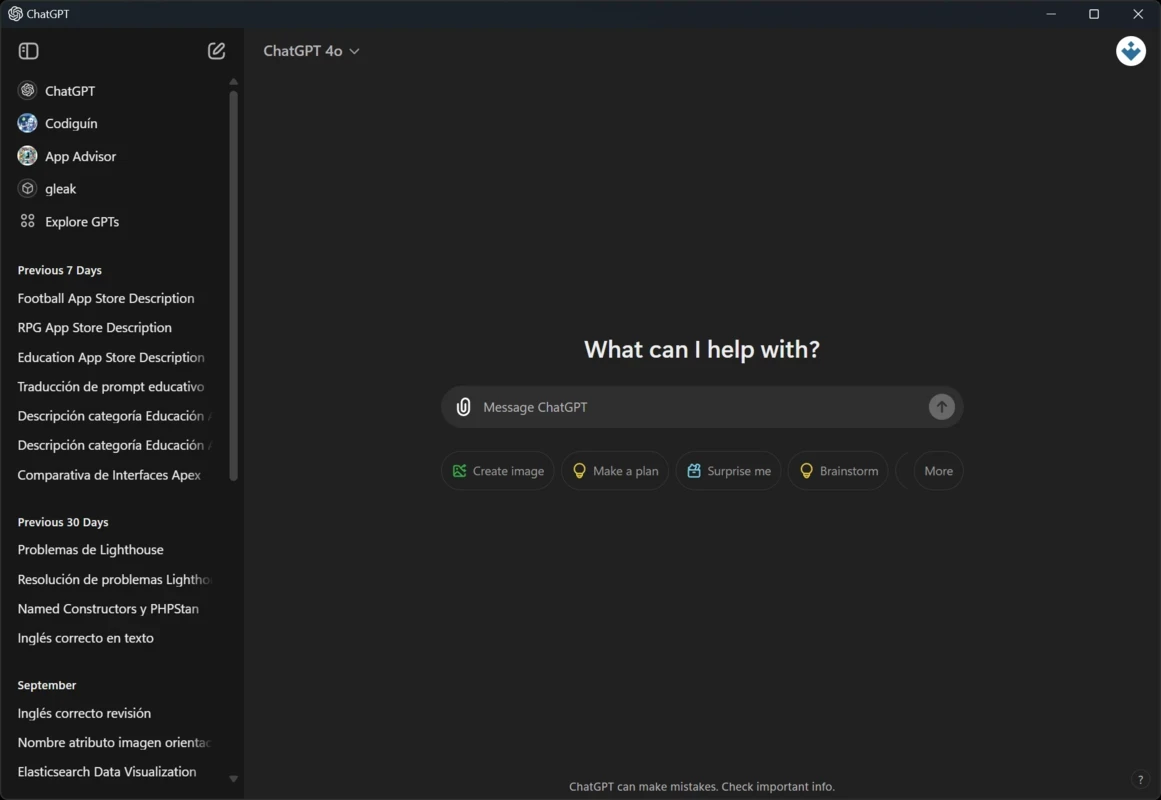
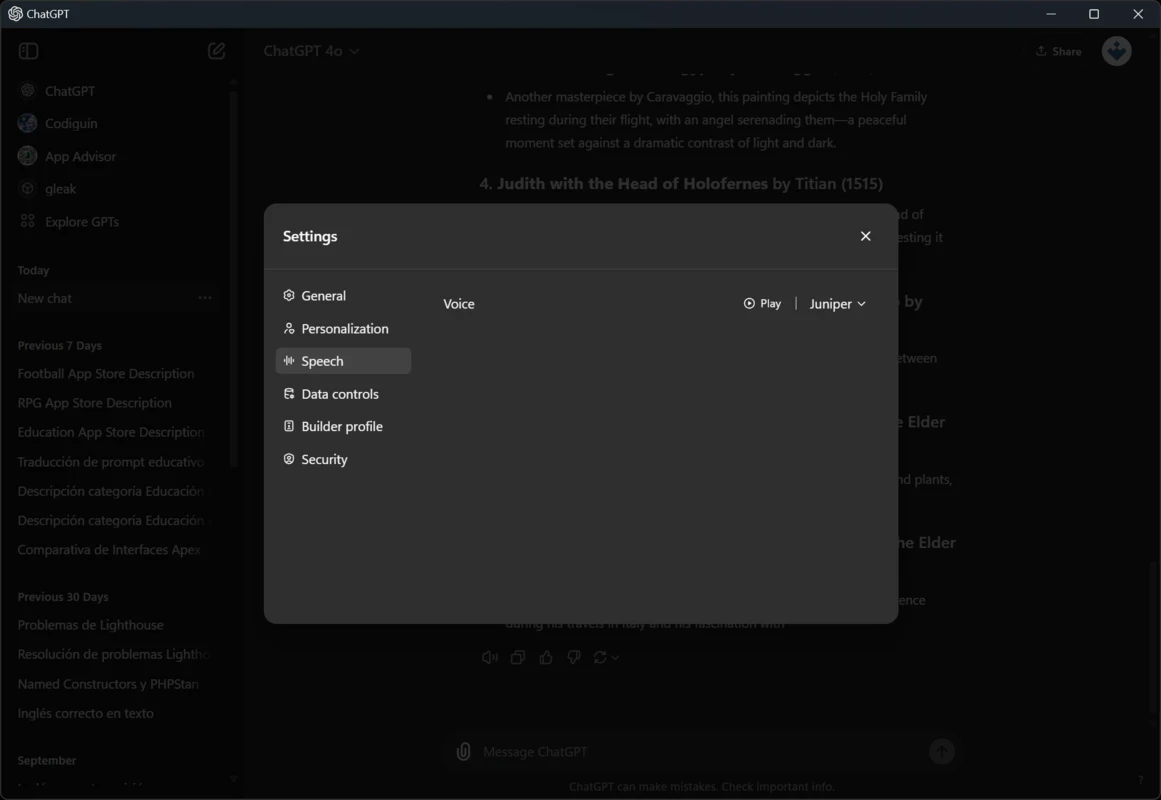
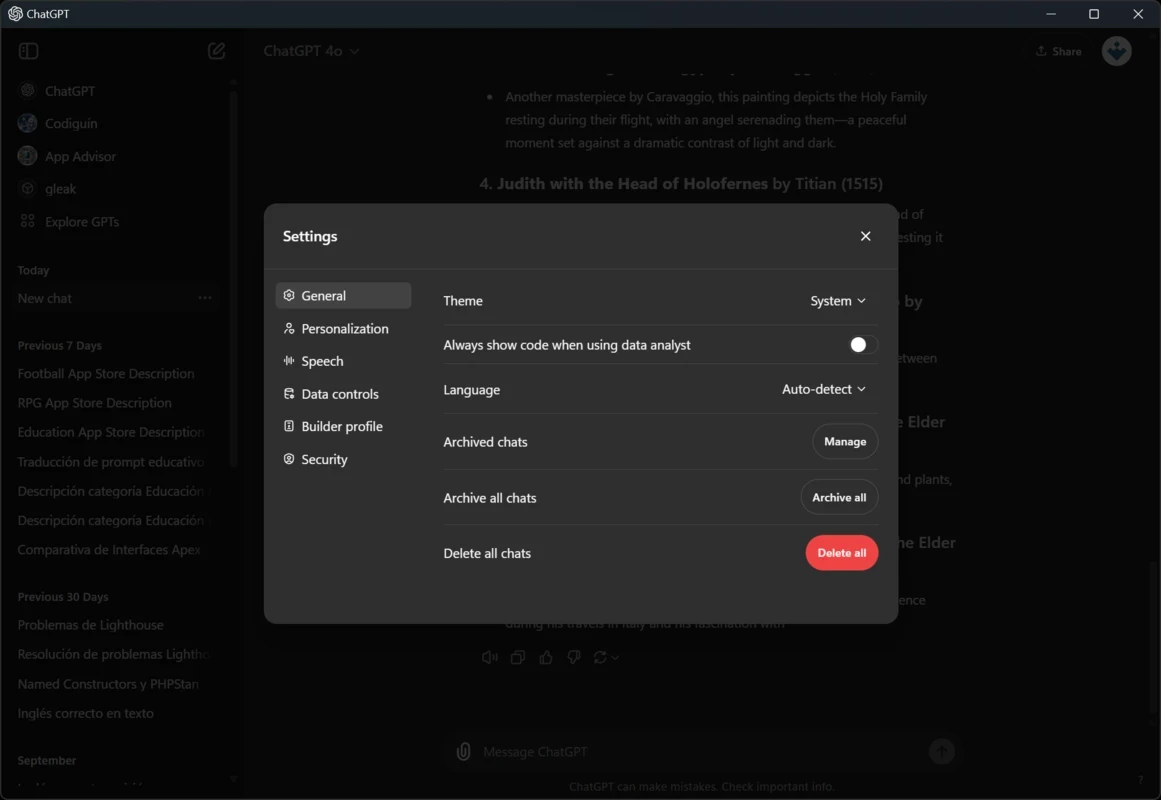
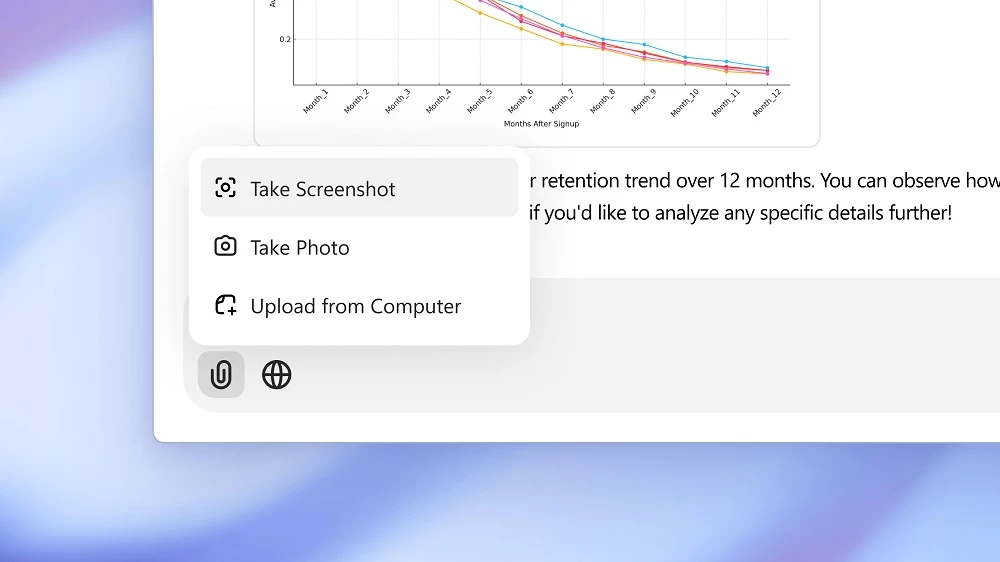
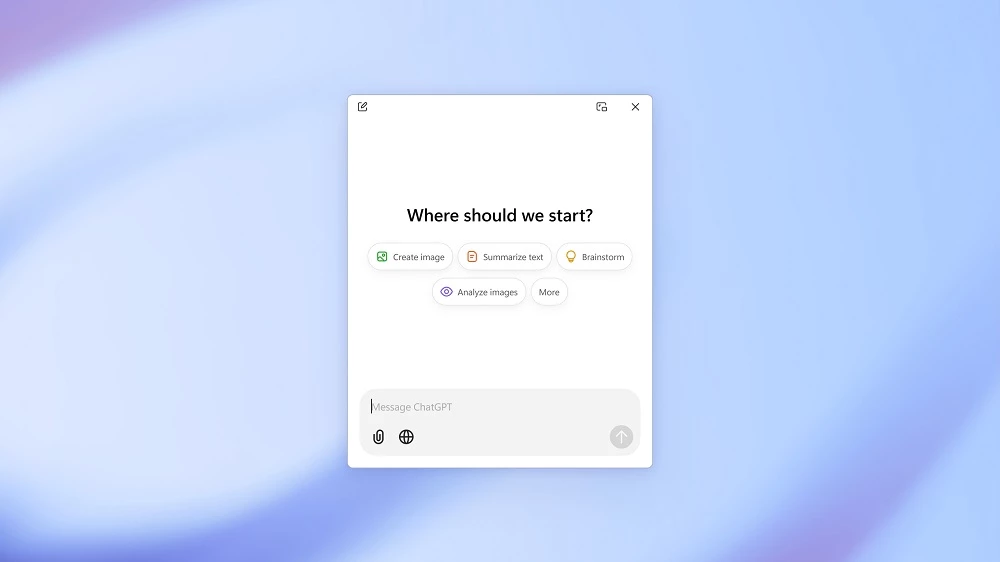
ChatGPT 2026.709.1617.0 is OpenAI's desktop app for Windows, giving you its artificial intelligence chatbot in a separate window on your PC. You can ask questions, draft and edit texts, summarise documents or get help with code, and you can download ChatGPT for Windows for free from OpenAI or the Microsoft Store.
| Item | Details |
|---|---|
| App version | 2026.709.1617.0 |
| Developer | OpenAI |
| Type | generative AI chatbot, large language model |
| Available on | Windows, web, mobile |
| First released | November 30, 2022 |
| Recent models | GPT-5.4 (April 2026), GPT-5.5 (April 2026), GPT-6 Astra (September 2026) |
| Licence | proprietary; free to download |
| Size | about 284.00 MB according to catalogue data |
ChatGPT is a generative pre-trained transformer: a large language model that produces text in response to your messages. Since its public release in November 2022 it has become an everyday tool for writing, summarising, translating, analysing data and generating code, as well as for creative work such as screenwriting and fiction. On Windows the desktop app is convenient because it sits in its own window beside the programs you work in: you can paste a paragraph from a document, ask for a clearer version and copy it back, or describe a spreadsheet problem and get a formula to try. The underlying models change frequently, and in September 2026 OpenAI released GPT-6 Astra. What does not change is the basic rule: the answers sound confident even when they are wrong, so the app is a helpful assistant, not a source you can quote without checking.
OpenAI documents product changes in the ChatGPT and Codex changelog.
Tell the assistant who you are writing for, what format you need and how long the answer should be. Paste the relevant text instead of describing it, and ask for two or three options when you are unsure. If an answer misses the point, explain what is wrong rather than starting over.
Install ChatGPT only from chatgpt.com or the Microsoft Store. Fake "ChatGPT for PC" installers on download portals and in ads are a common way to spread malware and steal accounts.
Our listings include Microsoft Copilot and Perplexity, other AI assistants for Windows, and Gamma Ai for creating presentations with AI.
Microsoft Copilot is Microsoft's free AI chatbot, and the Windows app puts it in its own window for questions, writing help and summaries.

Gamma is an AI tool for creating presentations, documents and simple web pages from a prompt or outline; the Windows app opens it from the Microsoft Store.

Perplexity for Windows is the desktop app of the AI search engine that answers questions in plain language and shows the sources it used.